Project Specific Dropdown
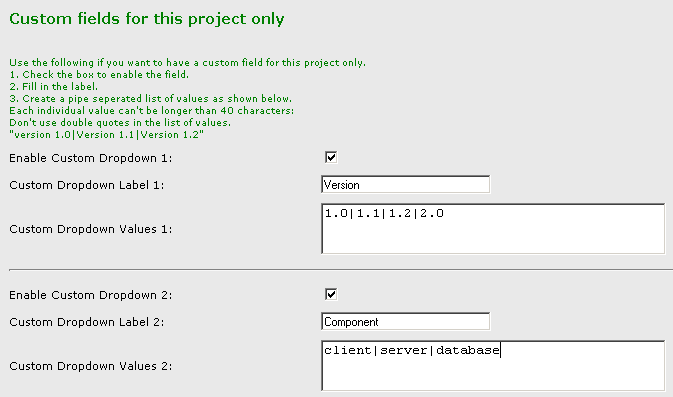
You can add custom dropdowns to individual projects when you edit a project. These project-specific dropdowns are appropriate for listing version numbers that only apply to a specific project, or listing components that only apply to a specific project.
Custom fields for a specific project:
BugTracker.NET is already very simple, but, if instead of adding more fields, you want to have FEWER fields to show, there are two ways to hide fields.
Edit the css files. For more on editing the css files, see the Appearance page.
Configure the user organinzation permissions. You can make fields hidden, read-only, or editable by organization. For more on permissions see the User Permissions page.
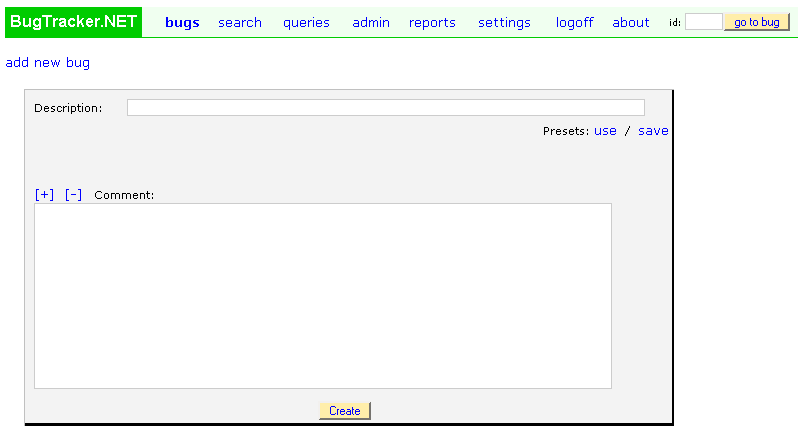
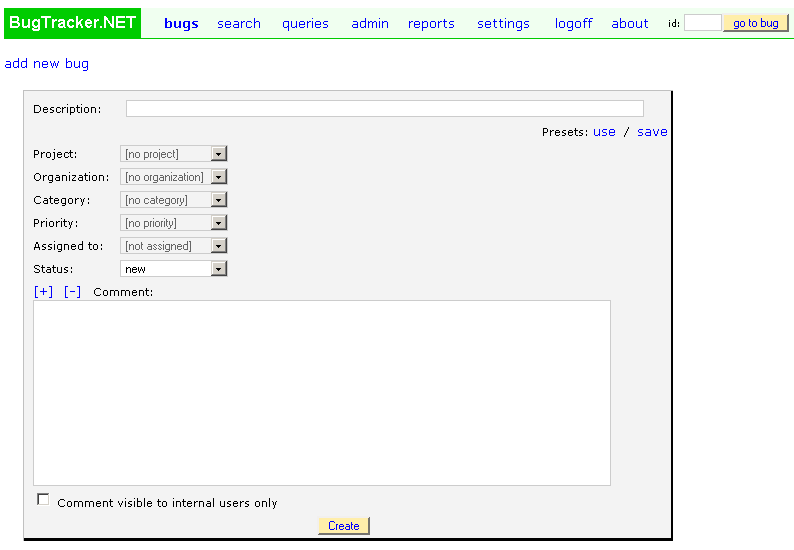
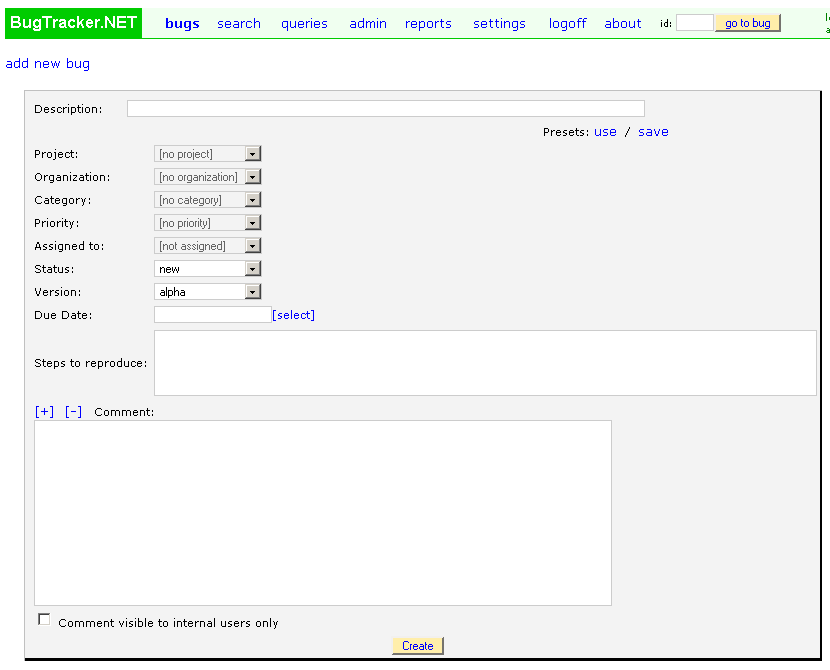
Below are three screenshots showing the “add a bug” page. The first shows the default installation. The second shows the same page after custom fields of various types have been added. The third page shows the same page with the built-in fields hidden using css.
Default. Before customization:
More complex: After some custom fields have been added:
Very simple! After built-in-fields have been hidden: