Editing a Project
Note
Editing a project can only be done by a system administrator.
Edit a project
To edit a project, click the admin link on the main menu, then click Projects, and then select the edit link next to the project you want to edit.
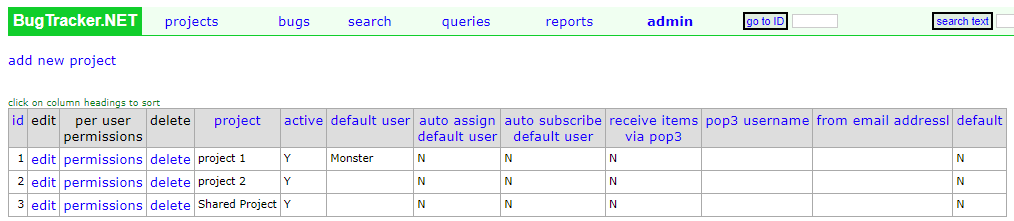
From here you can edit the main settings of the project, like the Project Name and Description. You can also edit the custom fields.
Per user permission
By default all new users will have all access to all projects. Although they may not be able to do view other bugs, they will still have access to see the project.
To change this, click the per user permissions link at the top of the page. This will allow you to change the access to the project for each user in the system.
Note
This page will show every user in the system, and it is not paginated. If you have hundreds of users, this page could see performance issues.